Your first routine
From blank screen to playing in about five minutes. We'll build a small routine around one chord, one strumming pattern, and one riff. Sixteen minutes of practice, ready whenever you are.
Create first routine
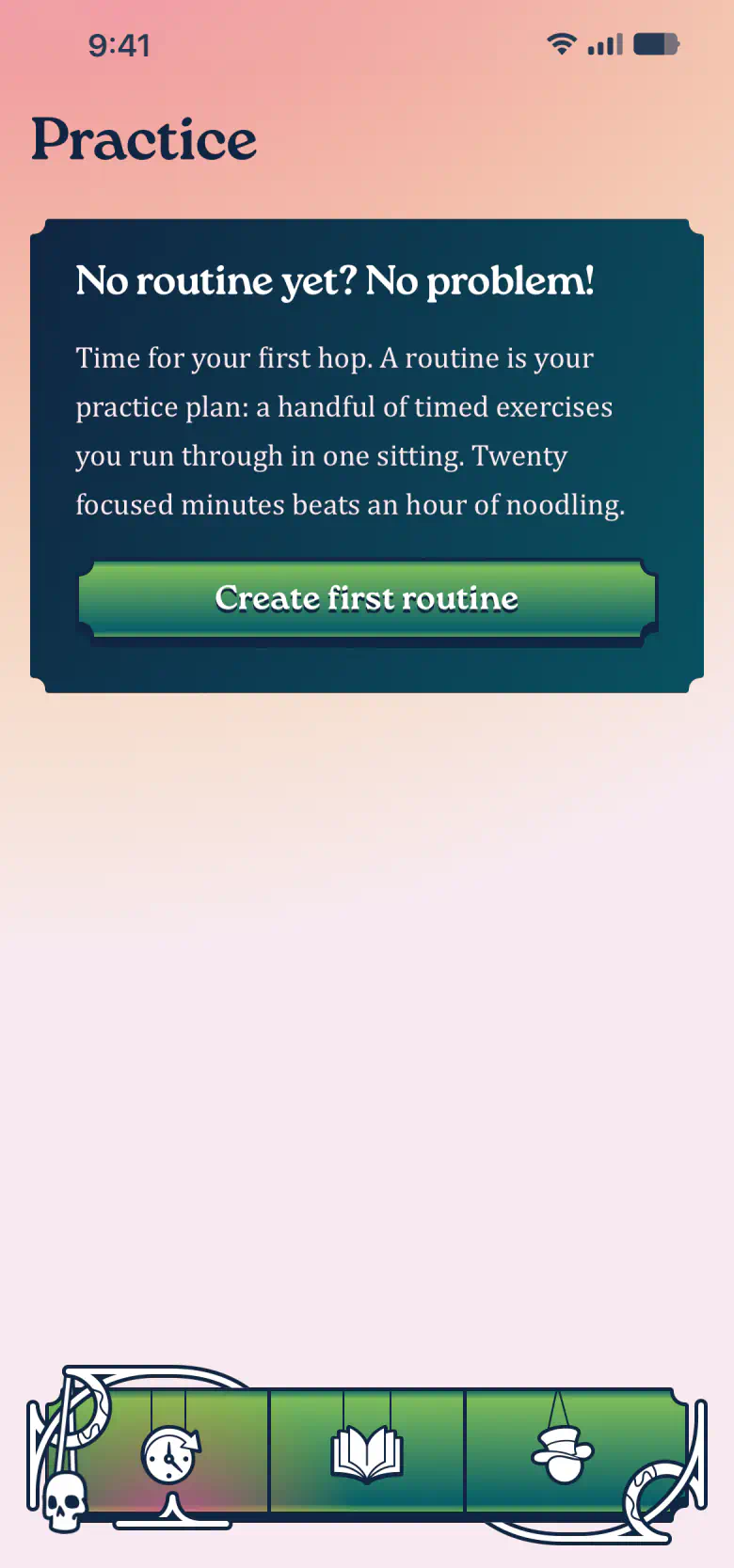
On a fresh install the Practice tab greets you with a single card. Tap Create first routine to open an empty routine, then tap Add first exercise to start filling it.
Chord practice, three minutes
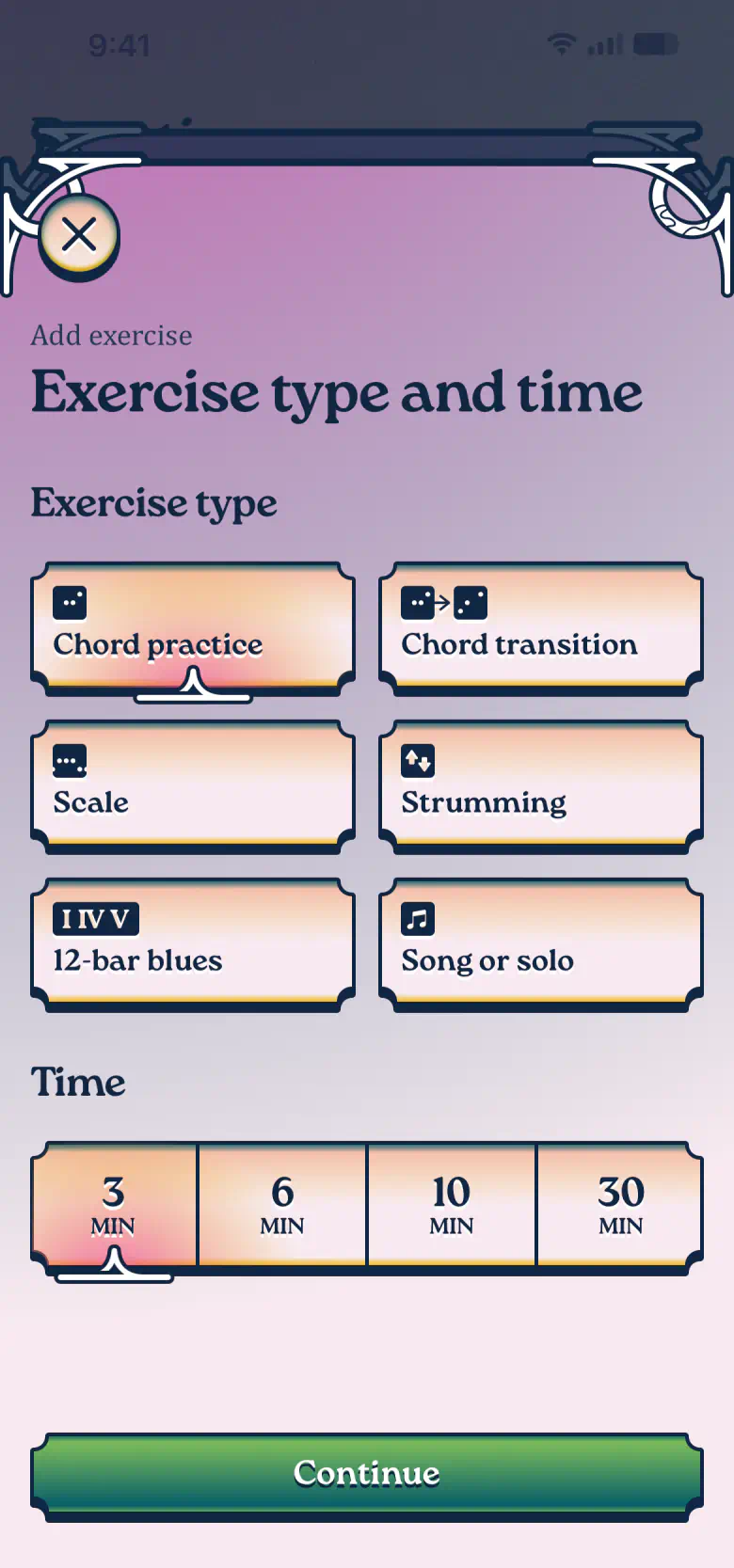
Every exercise begins with two choices: what to practice and for how long. Choose Chord practice and 3 minutes. A short slot suits a brand-new shape.
Build the A major shape
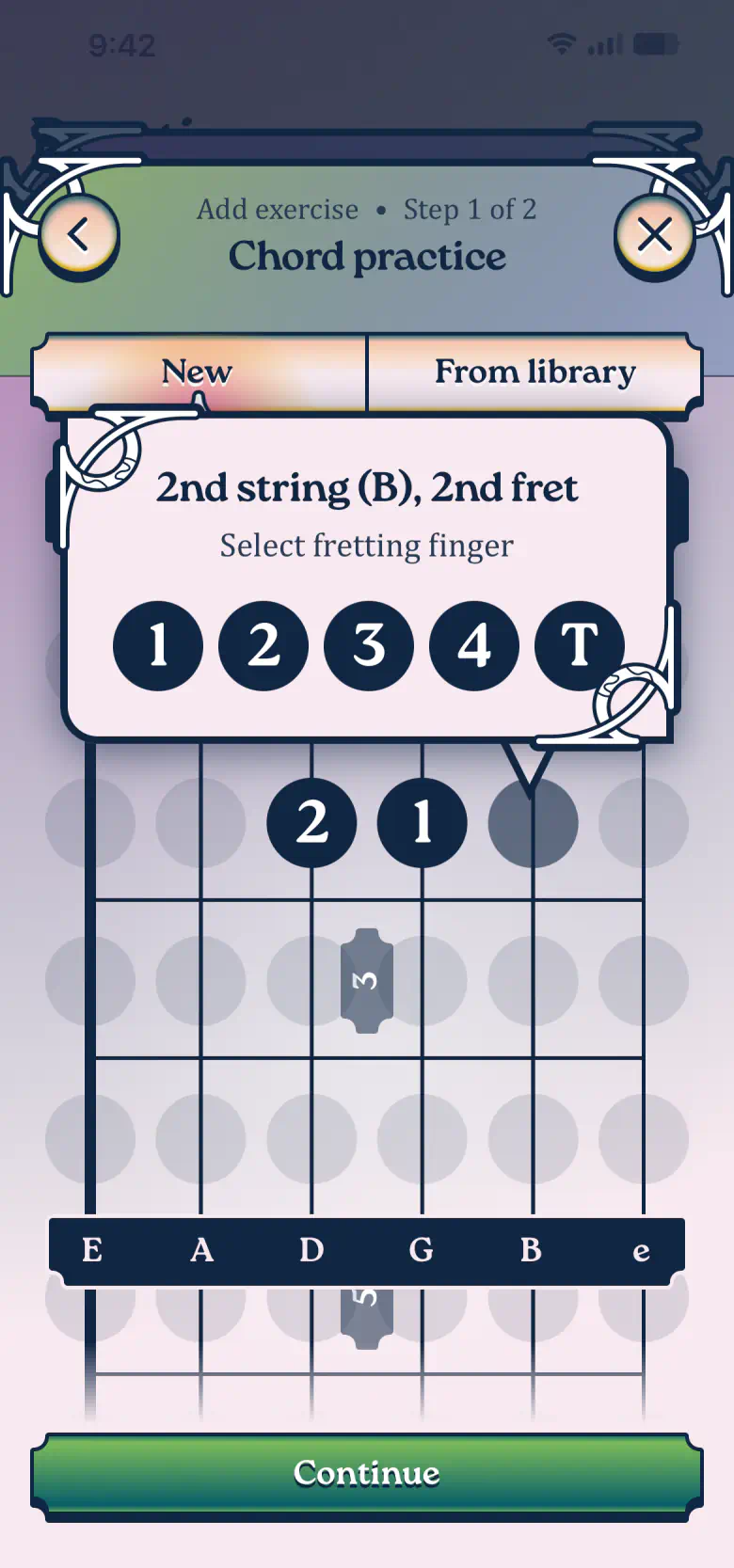
In the chord editor, tap a fret and pick the finger that goes there. A major lines up fingers 2 (middle), 1 (index), and 3 (ring) on the second fret, one string each, side by side, with the thinnest string left open.
Tip:
Mark the thickest string (low E) as muted with . It's not part of the chord.
Name and note
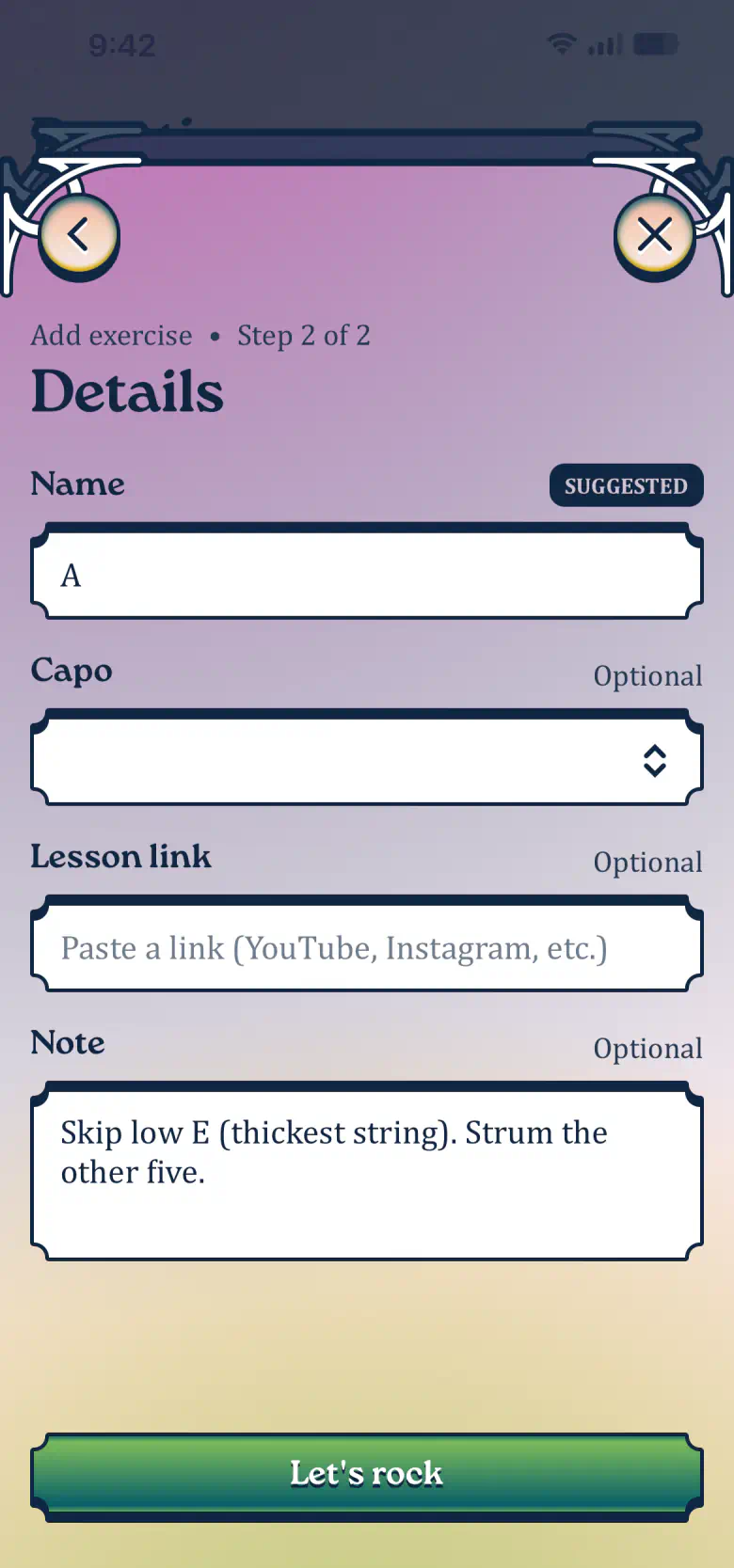
Common chords get a suggested name, but you can always change it. Add a note if you like, a reminder for the next time you practice this chord. Tap Let's rock to add the exercise.
One down, two to go
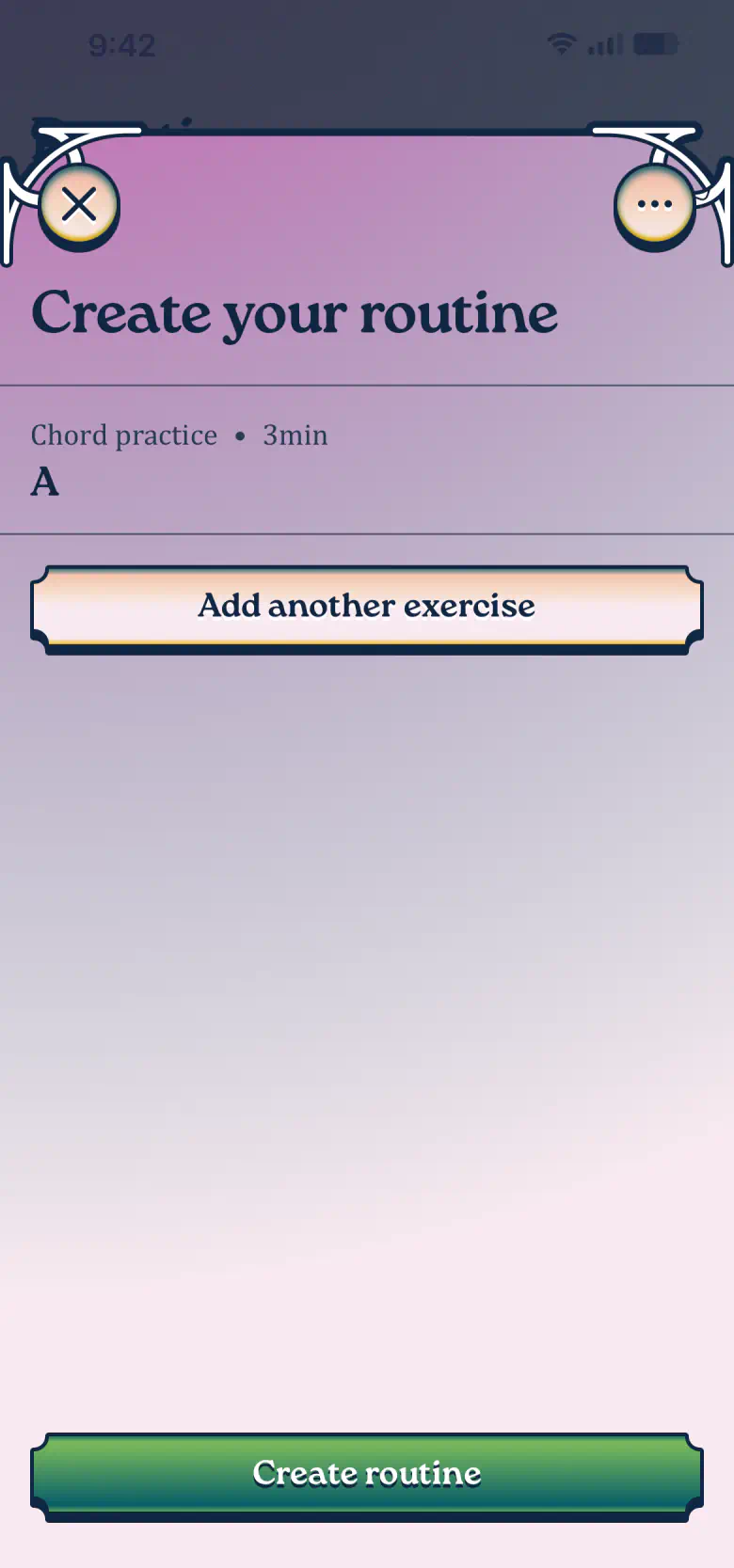
Back in your routine, the A chord sits at the top with its three minutes. One down, two to go. Tap Add another exercise.
Strumming, three minutes
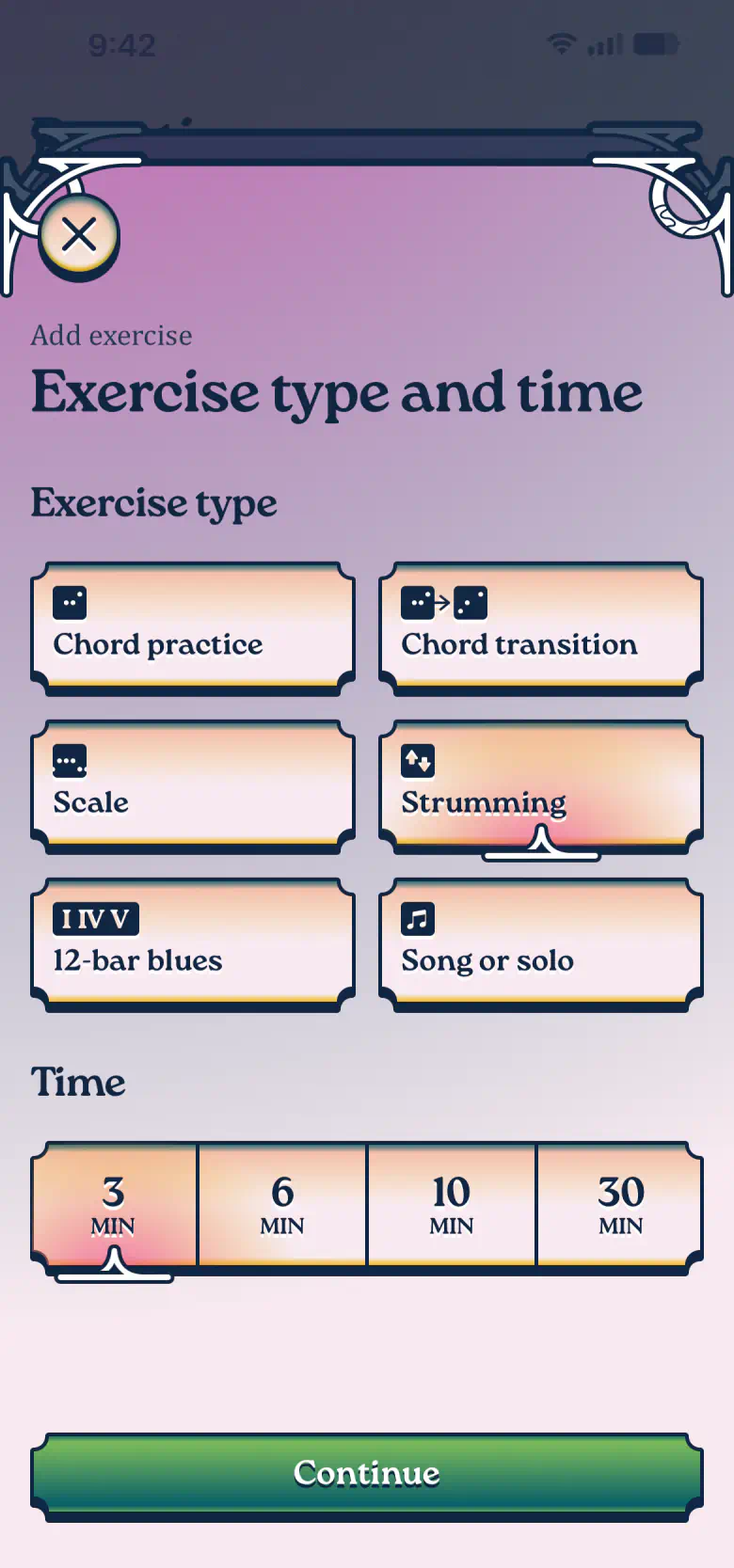
Back to the picker: choose Strumming and 3 minutes. Strumming lives in its own exercise, which lets you practice the rhythm without thinking about the chord.
Tap in the pattern
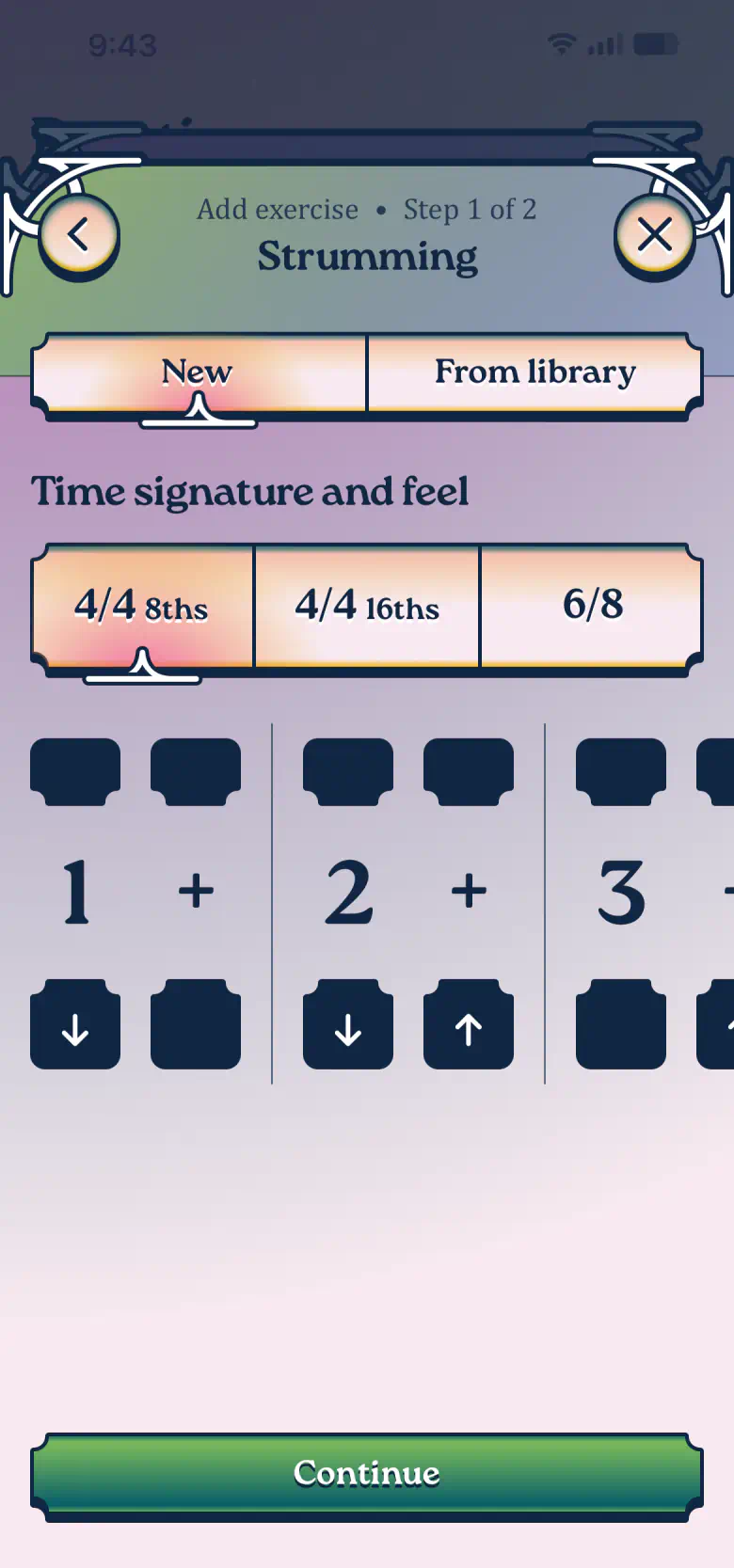
Down, skip, down, up, skip, up, down, up. Eight slots, two of them left empty. Each tap on cycles a slot through down, up, muted and empty, and marks the strong beats. This pattern is often called Old Faithful and carries a surprising number of popular songs. Call yours whatever you like, say “Feels good strumming”.
Song or solo, ten minutes
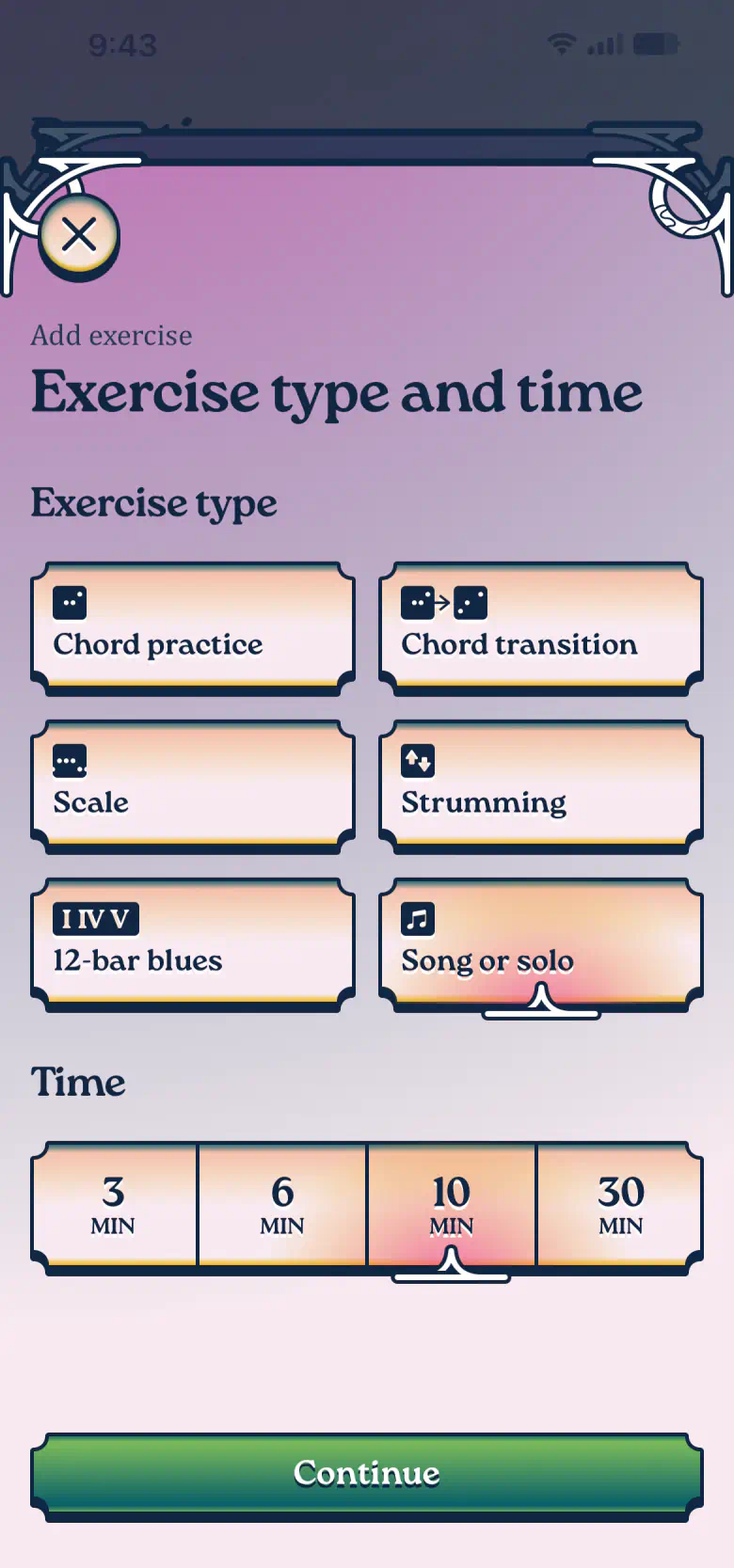
Time for the last exercise. Choose Song or solo and 10 minutes, the longest slot in your routine, since a riff takes more repetitions to settle in than a chord.
Tab out the riff
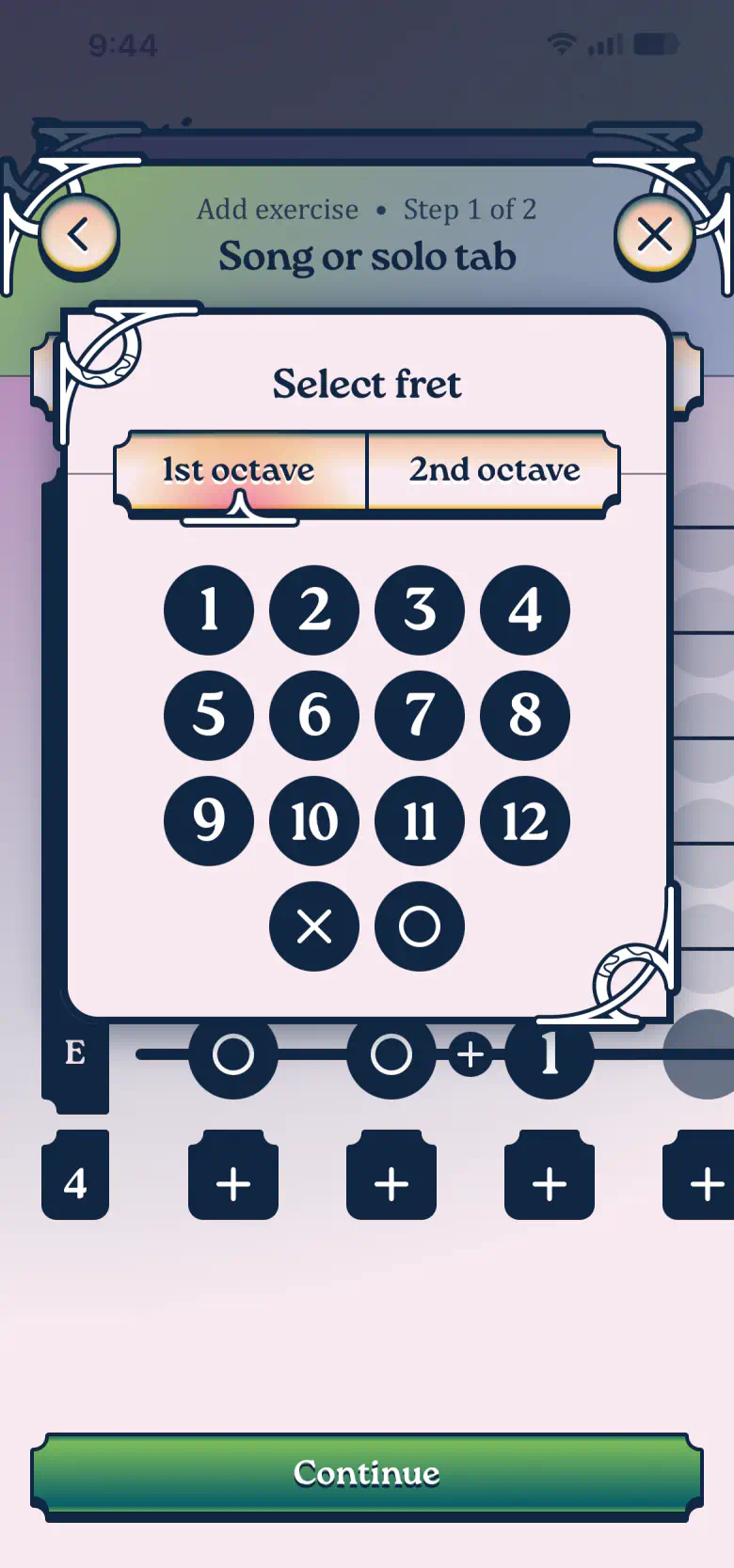
The tab editor handles the bigger pieces: riffs, solos, or whole songs. It works one note at a time: tap a string, then pick a fret. As an example we use the opening of Nirvana's “Come As You Are”, a classic beginner riff.
Tip:
Start with a bar or two and add more as you progress. When you run out of room, adds more columns to the tab.
Tip:
Once your chord collection grows, drops a whole chord from your Library straight into a column. How cool is that?
Name it and link a lesson
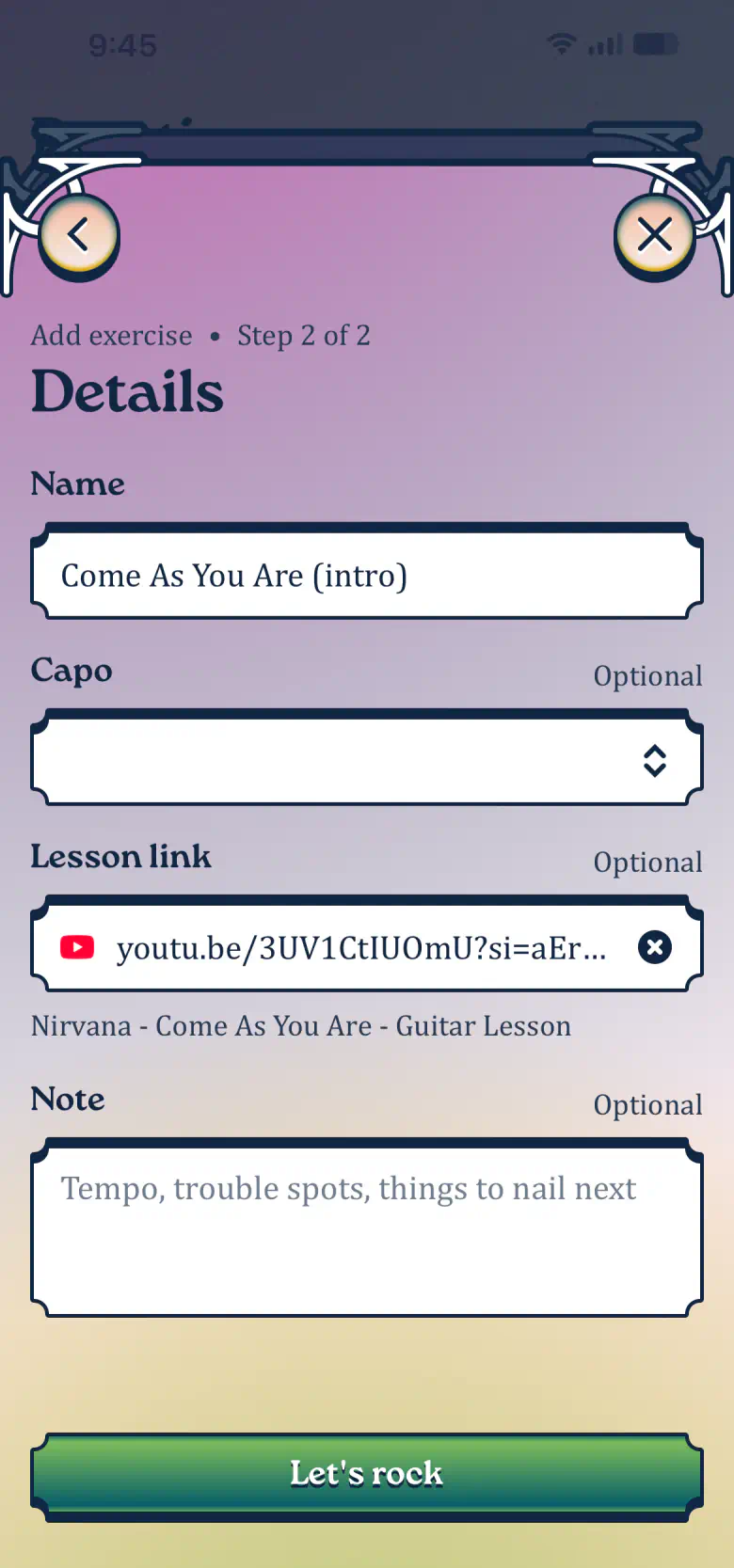
Let's name our exercise “Come As You Are (intro)” and paste a link to a YouTube lesson. The rest is up to you: a note, a capo, or nothing at all.
Review and create
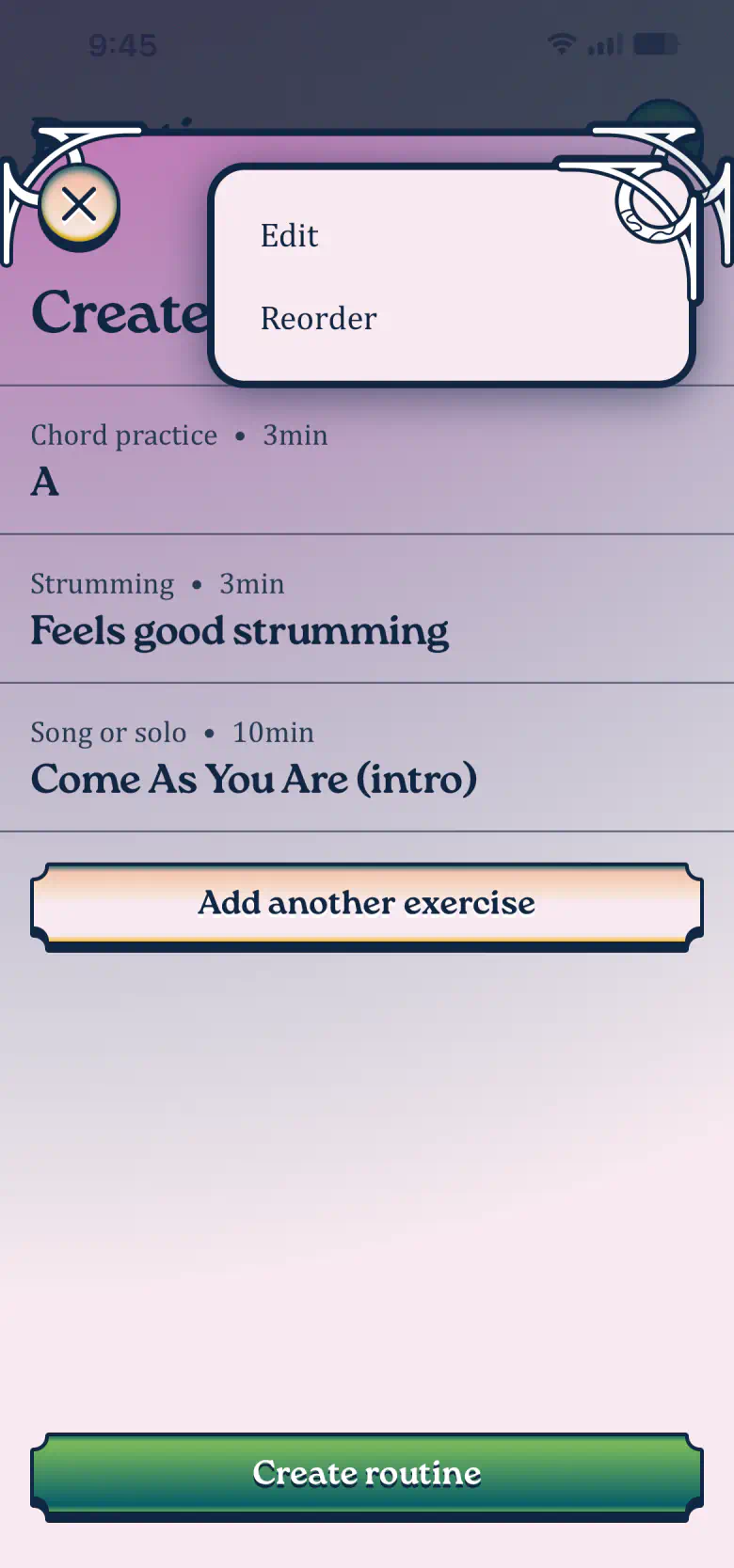
Three exercises, sixteen minutes in total. You can still change everything: More options lets you edit or reorder the exercises whenever you like. Tap Create routine when you're happy with it.
Call it First hops
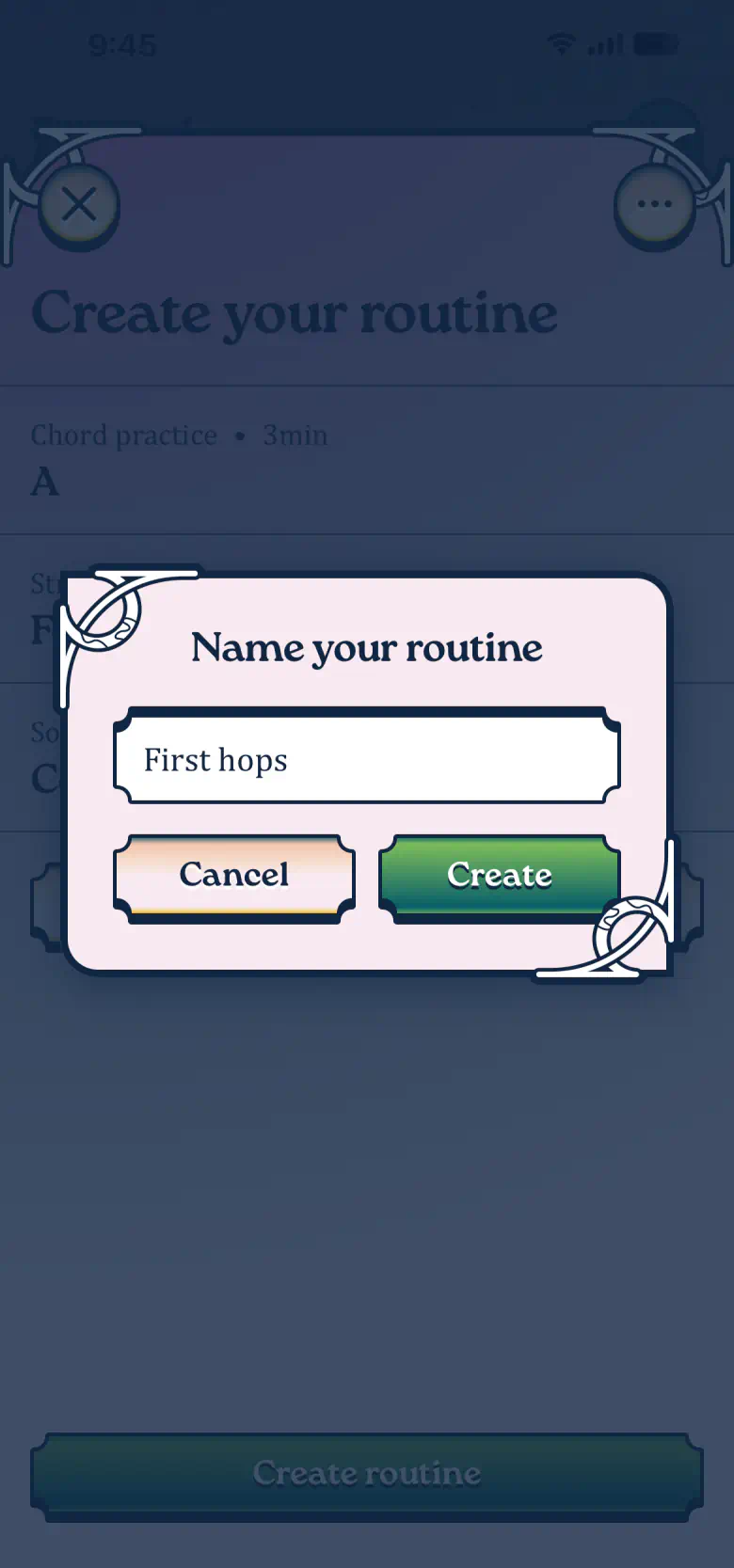
Give your routine a name. Ours is “First hops”. Tap Create, and it lands on the Practice tab, saved and synced.
Tip:
Every exercise you create also lands in your Library, ready to reuse in the next routine. It comes in handy outside practice too: campfire, party, someone passes you a guitar, and your chords and tabs are right there.
First routine ready
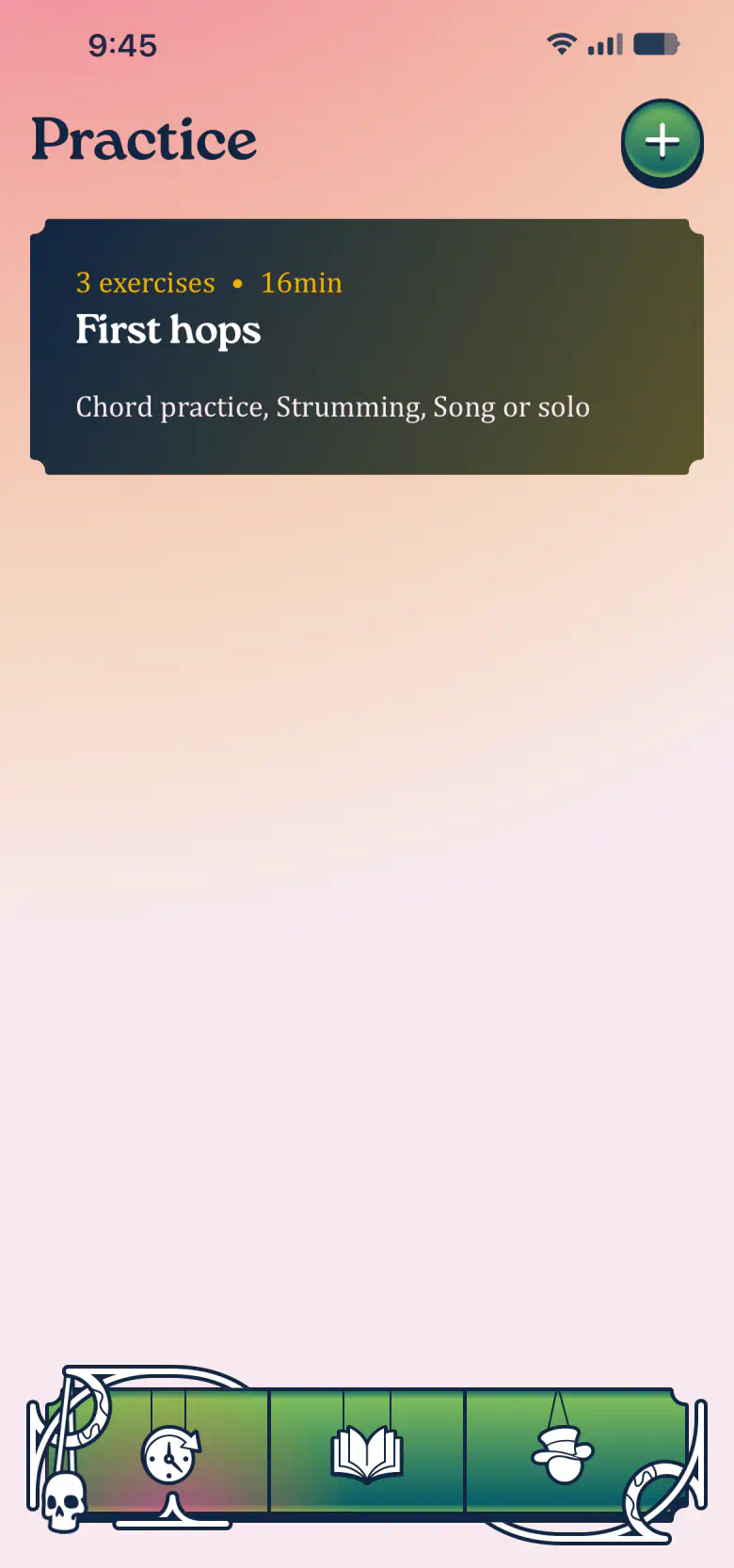
Your new routine sits at the top of the Practice tab. Tap it to open.
Press play
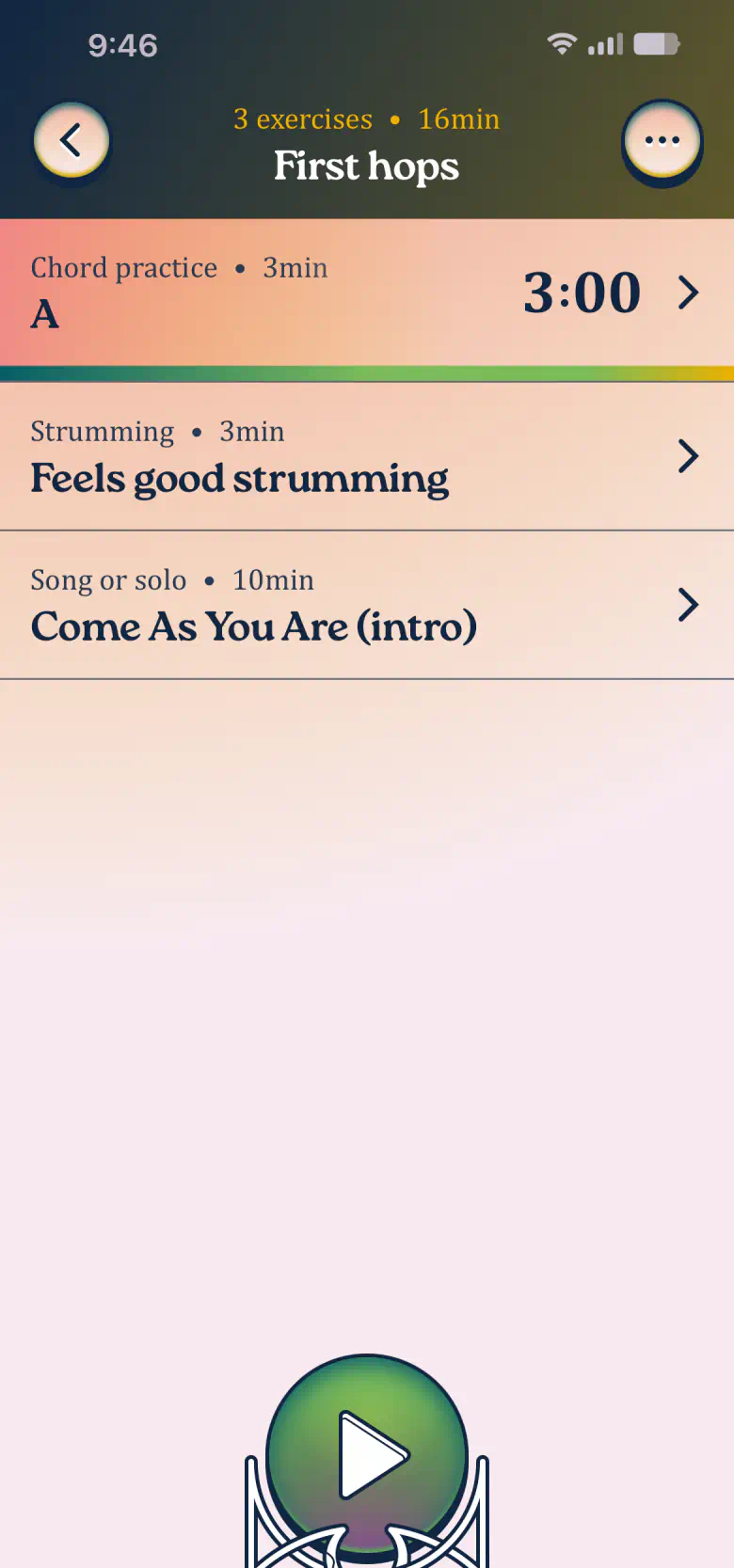
Press play. The timer counts down each exercise and moves you on to the next one automatically. You can pause whenever you need a break. Your weekly stats start counting from this first session.
Tip:
Tap any exercise to open its details. They stay open while the timer keeps running. Handy for following a tricky chord shape or a song tab.
First routine, done
Congratulations, you've got the hang of it. From here on, every routine is yours to shape.
Routines can be whatever your week allows: three exercises you run twice a week, a ten-exercise, hour-long drill every day, or a quick morning routine paired with a longer one after work.
Keep as many routines as you like, with as many exercises as you need, and archive the ones you outgrow to keep the list tidy.
Practice how you like. Play what you love.